Education / / 1 min read
Frontend Development Course: Svelte & TailwindCSS
My experience teaching a summer course on frontend development using Svelte and TailwindCSS with 3 practical projects
Frontend Development Course: Svelte & TailwindCSS
This summer, I taught a course on Frontend Development using Svelte and TailwindCSS. The course was different from traditional courses—we focused on 3 practical projects instead of long theoretical lessons!
Why Svelte & TailwindCSS?
Why Svelte and not React?
I chose Svelte for several reasons:
- Easy to Learn - The code is simpler and clearer for beginners
- Better Performance - Svelte compiles code to plain JavaScript at build time
- Built-in Reactivity - Reactivity is naturally integrated
Why TailwindCSS?
- Development Speed - No need to write custom CSS for each element
- Design Consistency - Ready-made design system
- Easy Responsive Design - Easily responsive design
Practical Projects
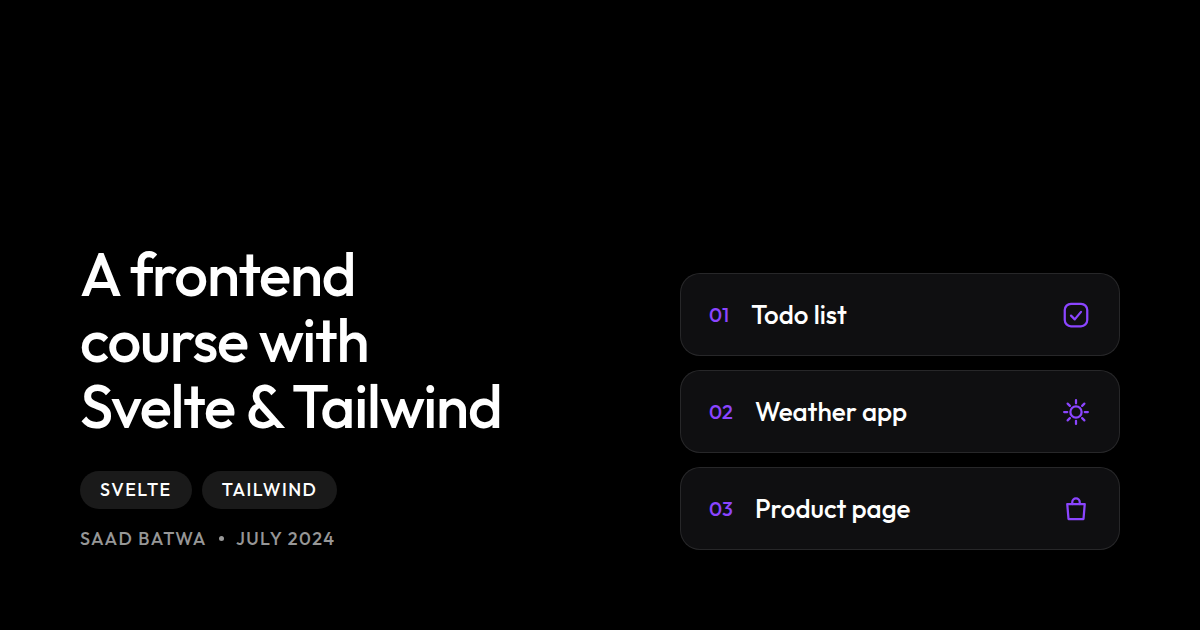
We built 3 progressive projects:
Project 1: Todo List App
A simple task management app. Participants learned Components, State Management, Event Handling, and more.
Project 2: Weather App
Weather app using an external API. Participants learned API Calls, Async/Await, Loading States, and Error Handling.
Project 3: E-commerce Product Page
A complete product page. Participants learned Component Communication, Stores, Transitions & Animations.
Results and Participation
Statistics
- 👥 50+ participants registered for the course
- ✅ 35+ projects were submitted
- ⭐ 4.8/5 average rating
- 📱 100% of projects were responsive
Conclusion
Svelte and TailwindCSS are a powerful combo for beginners:
- Svelte is easy to understand
- Tailwind is quick to apply
- Together they produce beautiful and fast applications
Have you tried Svelte before? Share your opinion!
- #svelte
- #tailwindcss
- #frontend
- #teaching
- #web development