Backend Development / / 2 min read
Deploying a Puppeteer API on Vercel for Free
How I deployed a Puppeteer API on Vercel to serve dynamic Arabic images for OG tags
Deploying a Puppeteer API on Vercel for Free
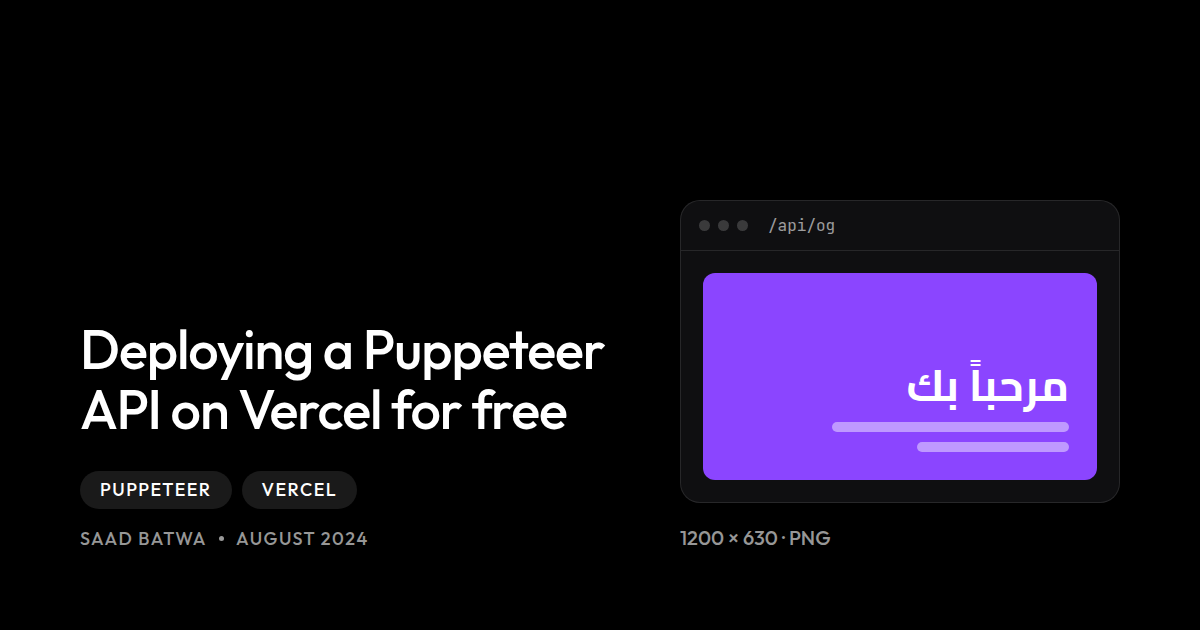
When building a Nuxt documentation website, I needed dynamic Open Graph (OG) image generation for each page. While Nuxt has its own OG image module, it struggles with Arabic text and right-to-left layouts. Here’s how I solved this problem using Puppeteer on Vercel’s serverless platform.
The Challenge
I started with Nuxt, aiming to create a documentation-style website with dynamic OG images for each page. The main issues were:
- Nuxt’s OG Image Module: Works poorly with Arabic text and RTL direction
- Vercel’s Limitations: Serverless functions can’t handle large packages or long execution times
- Puppeteer’s Size: Full Chromium installation is too large for serverless environments
The Solution: Minimal Puppeteer Setup
Thanks to @sparticuz/chromium-min and puppeteer-core, I found a way to deploy Puppeteer on Vercel without hitting size or timeout limits.
Step 1: Install Dependencies
npm install @sparticuz/chromium-min puppeteer-coreStep 2: Import Required Modules
Create a server route and import the necessary packages:
import chromium from "@sparticuz/chromium-min";
import puppeteerCore, { Browser, Page } from "puppeteer-core";
Step 3: Set Up Remote Chromium
Instead of bundling Chromium in the build, download it at runtime. Make sure to match the version with your installed package:
const remoteExecutablePath =
  "https://github.com/Sparticuz/chromium/releases/download/v138.0.1/chromium-v138.0.1-pack.tar";

let browser: Browser | null = null;
Step 4: Launch the Browser
Create the browser instance inside your server function. For local development, use a pre-installed Chromium:
if (!browser) {
  browser = await puppeteerCore.launch({
    args: chromium.args,
    executablePath: process.env.DEV
      ? "/usr/bin/chromium"  // Local development
      : await chromium.executablePath(remoteExecutablePath),  // Production
    headless: true,
  });
}
Step 5: Use Puppeteer as Normal
Now you can use Puppeteer’s full API:
const page = await browser.newPage();
await page.setViewport({ width: 1200, height: 630 });

// Set content with Arabic support
await page.setContent(`
  <!DOCTYPE html>
  <html lang="ar" dir="rtl">
    <head>
      <link href="https://fonts.googleapis.com/css2?family=Cairo:wght@400;700&display=swap" rel="stylesheet">
      <style>
        body {
          font-family: 'Cairo', sans-serif;
          direction: rtl;
        }
      </style>
    </head>
    <body>
      <h1>مرحباً بك</h1>
    </body>
  </html>
`);

// Take screenshot
const screenshot = await page.screenshot({ type: 'png' });
await page.close();

return screenshot;
Key Benefits
- Zero Cost: Runs on Vercel’s free tier
- Arabic Support: Perfect rendering of RTL text
- Fast: Chromium is downloaded once and cached
- Scalable: Serverless functions handle traffic automatically
See It in Action
This is exactly how OG images are generated on my website. Check out an example: https://uqucc.sb.sa/برمجة-جافا
The OG image you see when sharing this link on social media was generated on-demand using this exact setup!
Conclusion
Deploying Puppeteer on Vercel doesn’t have to be complicated. With the right setup using minimal Chromium, you can generate dynamic images, PDFs, or scrape content—all within Vercel’s generous free tier limits.
This approach has been running in production for months without any issues, handling thousands of OG image requests for free!
- #puppeteer
- #vercel
- #nodejs
- #serverless
- #deployment