Frontend Development / / 2 min read
React Performance Optimization: My Journey to 97/100
How I achieved high performance scores on Page Speed Insights through code splitting, CSS optimization, and smart SSR
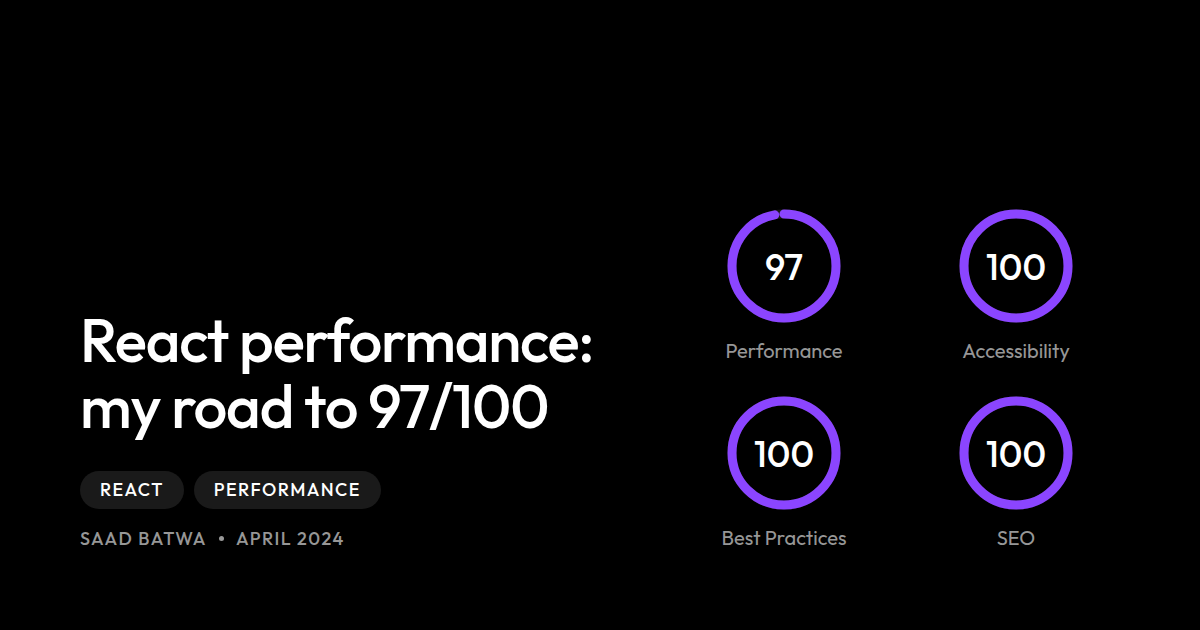
React Performance Optimization: My Journey to 97/100
After days of optimizing my React web app, I finally achieved what every developer dreams of: 97 Performance, 100 Accessibility, 100 Best Practices, and 100 SEO on Page Speed Insights! Here’s how I did it.
The Starting Point
My initial React app had decent functionality but poor performance metrics:
- Performance: ~65
- First Contentful Paint: 3.2s
- Largest Contentful Paint: 4.8s
- Time to Interactive: 5.1s
Technique #1: Smart Code Splitting
The Problem with React.lazy()
Initially, I used React’s built-in React.lazy() for code splitting. While this improved initial load time, it made the user experience feel like a traditional multi-page website.
The Solution: @loadable/component
I switched to @loadable/component, which offers powerful prefetching and preloading capabilities while maintaining smooth SPA transitions.
The Results
- ✅ Maintained SPA smooth transitions
- ✅ Reduced initial bundle size by 60%
- ✅ Routes loaded instantly with smart prefetching
Technique #2: Critical CSS Extraction
The Problem
Loading large CSS files blocks rendering. My stylesheet was 180KB.
The Solution
I extracted critical CSS (the styles needed for above-the-fold content) and inlined it, then deferred the rest of the CSS.
The Results
- ✅ First Contentful Paint improved from 3.2s to 1.1s
- ✅ No flash of unstyled content (FOUC)
Technique #3: Social Media Optimization with SSR
The Problem
When sharing links on WhatsApp, Twitter, or Facebook, they would show generic titles and no preview images. Why? Social media crawlers only fetch the HTML—they don’t execute JavaScript!
The Solution: Backend Wrapper
I wrapped my React app with ASP.NET Core and implemented dynamic meta tag injection.
The Results
- ✅ Beautiful link previews on all social platforms
- ✅ Proper SEO for each page
- ✅ No impact on client-side performance
The Final Results
| Metric | Before | After | Improvement |
|---|---|---|---|
| Performance | 65 | 97 | +32 |
| First Contentful Paint | 3.2s | 1.1s | -66% |
| Largest Contentful Paint | 4.8s | 1.8s | -63% |
| Time to Interactive | 5.1s | 2.2s | -57% |
| Total Bundle Size | 850KB | 320KB | -62% |
Conclusion
Optimizing a React app to achieve high performance scores isn’t just about following a checklist. It requires understanding how browsers work, how users interact with your site, and making thoughtful trade-offs.
The effort is worth it—not just for the scores, but for the real improvement in user experience!
- #react
- #performance
- #optimization
- #web development